Pre-configured Cursor rules for your Flutter app

Cursor rules pre-configured for ApparenceKit's architecture. Your Cursor agent writes Flutter code that follows the 3-layer pattern, Riverpod state, and project conventions out of the box.
Drop-in setup

Drop-in setup

.cursor/rules/*.mdc ships with every project — Cursor picks them up automatically.

Layer-scoped

Layer-scoped

Each rule file targets a layer (Data, Domain, Presentation) — the agent uses the right context.

Editable Markdown rules

Yours to extend

Plain .mdc Markdown — fork, override, layer your team conventions on top.

They trust us
Wolters Kluwer INRIA WAC Enlaps Limite Limite

Why you need AI coding rules

Without explicit rules, AI assistants default to generic Flutter patterns. With them, every suggestion follows your conventions — saving review time, preventing drift, and onboarding both humans and AIs from the same source of truth.

1.

Stop fixing generic code

AI starts from your conventions, not Stack Overflow defaults. Less re-prompting, less rewriting.

2.

Consistency across sessions

Every chat, every developer, every agent — same patterns. No more "which style won today?".

3.

Onboard humans AND agents

New devs read the same file Cursor reads. One source of truth, zero docs duplication.

4.

Survives team turnover

Your conventions are codified. They outlive any single contributor and scale with the team.
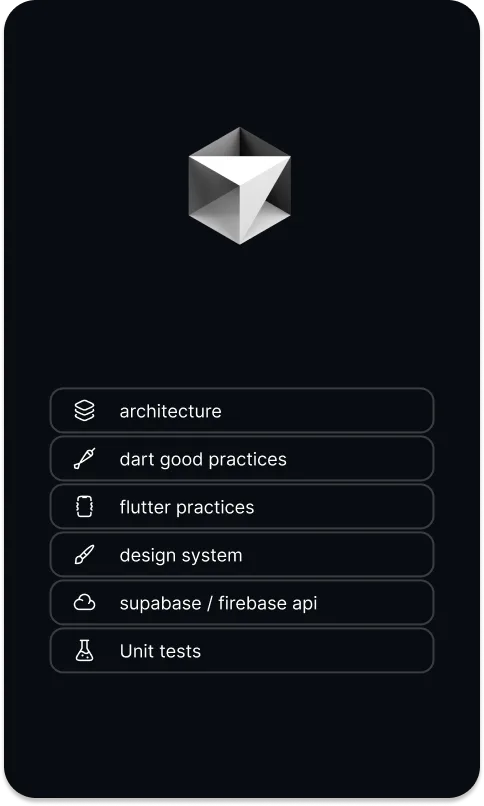
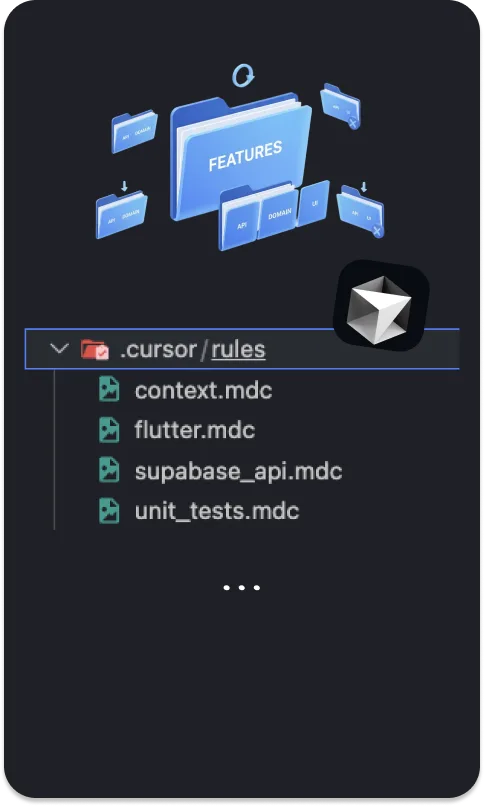
.cursor/rules folder with multiple .mdc files for Flutter projects

AI RULES

A curated set of rules, scoped per concern
Cursor reads every .mdc file in .cursor/rules/ on each prompt. ApparenceKit ships a curated collection — Flutter & Dart conventions, architecture, state management, design system, internationalization, testing. Each file declares its own glob pattern so the agent loads the right rules when editing the right code. No giant monolithic prompts, no missing context.
Flutter & Dart
Idiomatic Dart, null-safety patterns, Flutter widget conventions encoded

Per-layer scoping
Data-layer rules trigger on lib/data/**, presentation on lib/presentation/** — surgical context
Design system
Use the kit theme tokens for consistent styling and UI components
Internationalization
Generate ARB localizations alongside features by default

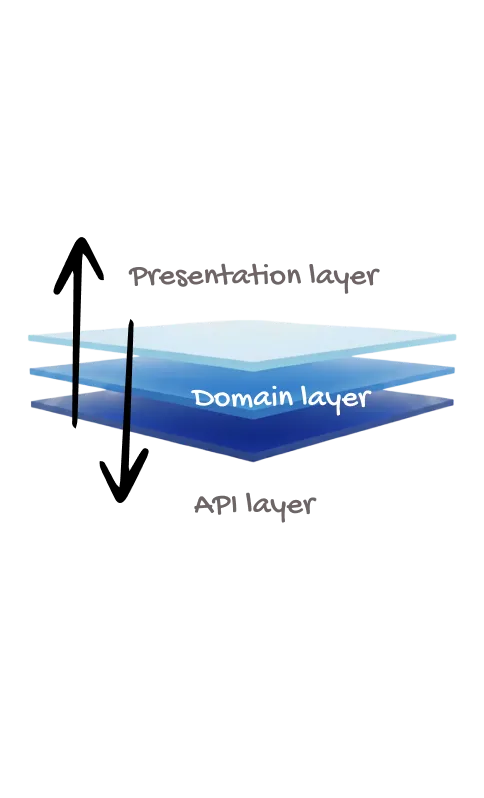
Three-layer Flutter architecture aligned with Cursor rules

ARCHITECTURE

Aligned with the 3-layer pattern

The rules teach Cursor exactly where Data, Domain, and Presentation logic belong. Ask for a feature and the generated code lands in the right folder, uses the right repository pattern, and exposes a Riverpod notifier shaped like the rest of your codebase. Read more on the architecture template.
Layer boundaries
Cursor knows the Data layer talks to APIs, the Domain layer holds business logic, the Presentation layer reads state

Riverpod-first
Generated code uses Riverpod notifiers and providers — never setState spaghetti
Testable by default
Cursor scaffolds unit tests alongside features — mock repositories, override providers

Customize the .cursor/rules collection for your team

EXTEND

Customize without losing the baseline

The rules are a set of plain .mdc Markdown files you own. Add a new file, override an existing rule, scope to a subdirectory — each file is independent. ApparenceKit ships sane defaults so you don't start from a blank slate, but every rule is yours to amend.
One file per concern
Add a new .mdc rule without touching the others

Modular by default
Drop, swap, or fork any rule independently — no monolith to refactor
Team conventions
Layer naming, review, and shipping rules on top of defaults

Save 3 months of work

One command. Pick your modules. Firebase or Supabase auto-configured. Start building what matters.

Get Access Now

kickstarter for flutter apps

There is more

Better AI output starts with better project conventions — pair these rules with the architecture and the Claude equivalent.

Claude rules

Same conventions, different agent. CLAUDE.md pre-configured for ApparenceKit so Claude Code matches Cursor's output.

Claude Code rules template for Flutter
Claude rules

3-Layer Architecture

The pattern Cursor is trained on. Data, Domain, Presentation — clear boundaries that make every feature predictable.
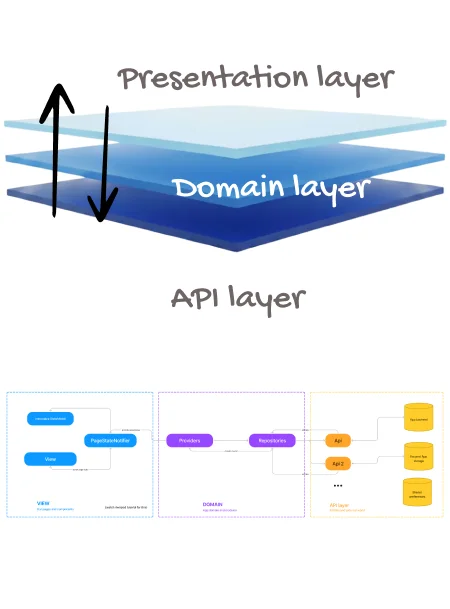
Flutter 3-layer architecture diagram
3-Layer Architecture

AI Chat template

Take it further: ship LLM-powered chat inside your app. Streaming responses, any provider, production-ready UI.
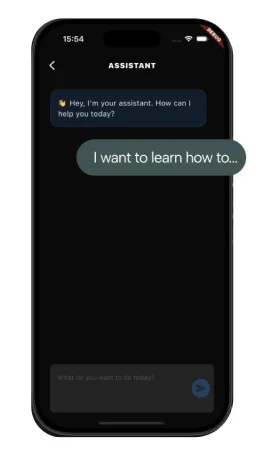

Flutter AI chat template with LLM integration
AI Chat template

3 steps - 5 minutes.
Your app is running.

1

Install the CLI

Run one command to install our command line tool
2

Generate your app

Generate your flutter project with only the modules and dependencies you need + automatically setup Supabase or Firebase backend
3

Run

Your app runs. Auth, Payments, notifications work... Start building what makes your app unique.

Here's some of our work

Don't take our word for granted, see what some of our apps have achieved

user avatar
Kubbo
Habit tracking
web link icon apple store badge google play store badge
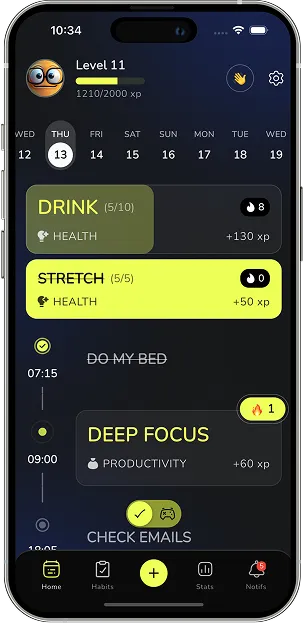
Kubbo habit tracking app screenshot
user avatar
Limite limite
40K+ players/month
web link icon google play store badge
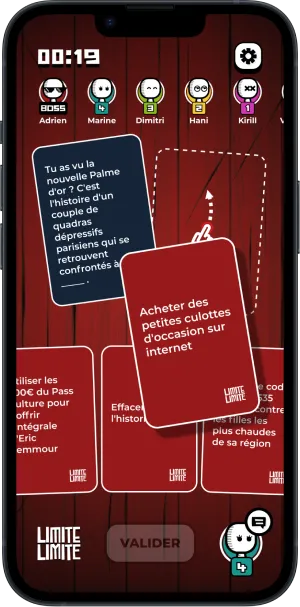
Limite limite mobile app screen
user avatar
MonSuiviDiet
5K+ users/day
apple store badge google play store badge
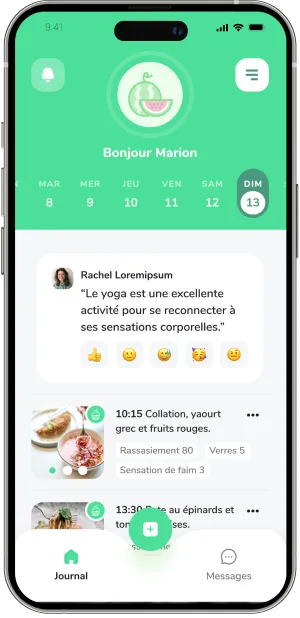
MonSuiviDiet mobile app screen
user avatar
WeAreCaring
#1 ethic recruitment app in Singapore
apple store badge google play store badge
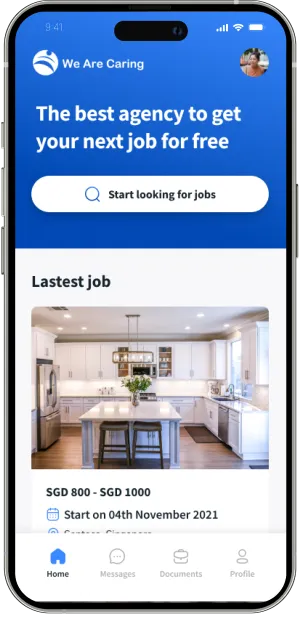
WeAreCaring mobile app screen
user avatar
Spherik
2D and 360° media capture
apple store badge google play store badge
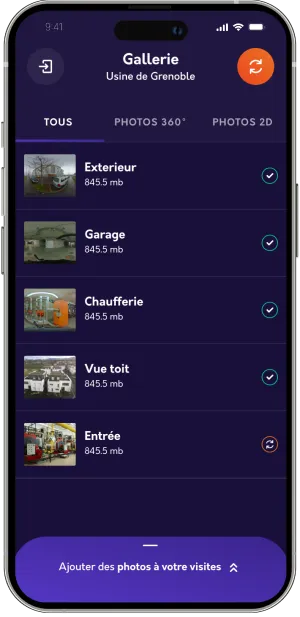
Spherik - mobile app screen
user avatar
Stacks
French comic book app
apple store badge google play store badge
Stacks comic mobile app screen
user avatar
ULY
(NEW) Video diary
apple store badge google play store badge
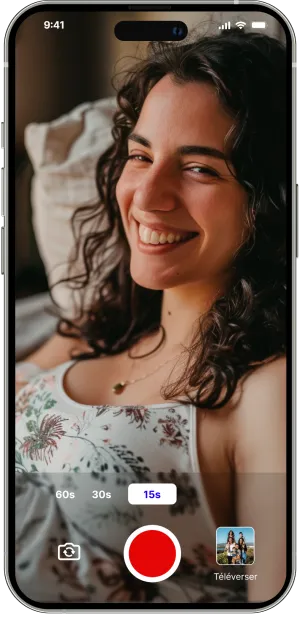
ULY - Video diary mobile app screen

Save 3 months of work

One command. Pick your modules. Firebase or Supabase auto-configured. Start building what matters.

Get Access Now
kickstarter for flutter apps
Made by ApparenceKit logo
ApparenceKit is a flutter start kit | template generator tool by Apparence.io © 2026.
All rights reserved