PASSWORD RESET
Secure password recovery
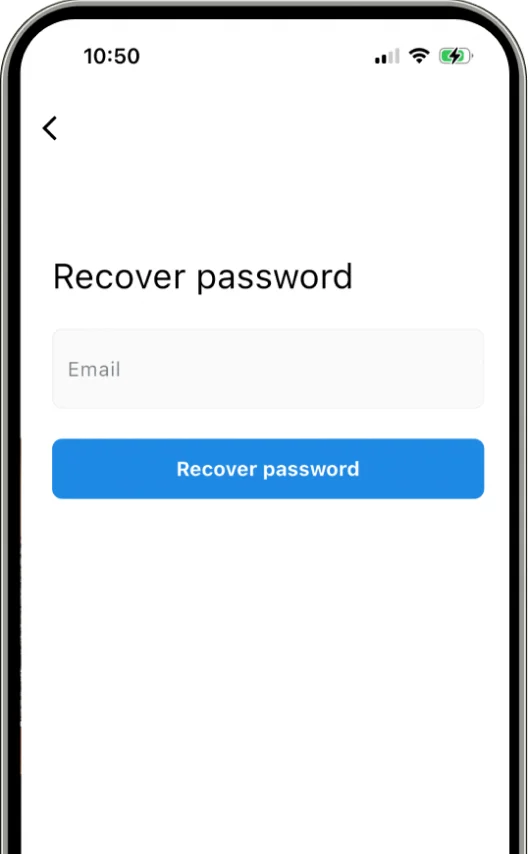
Password reset is a mandatory feature for any app with email authentication. A broken or confusing reset flow means lost users. ApparenceKit provides the complete flow: email input with validation, reset email delivery, deep link handling when the user clicks the reset link, and a new password form with confirmation.
Firebase
Reset emails sent via Firebase Authentication
Supabase
Reset flow with magic link or OTP support
REST API
Send reset request to your backend endpoint
Deep link handling
App opens directly to the new password screen
SECURITY
Built with security best practices
Password recovery is a common attack vector. The template follows security best practices: no email enumeration (same response for existing and non-existing emails), rate limiting on reset requests, secure token handling, and password strength validation on the new password form.
No enumeration
Same response prevents checking if emails exist
Rate limiting
Prevent spam reset requests
Token expiry
Reset links expire after a configurable duration
Password rules
Strength validation on the new password
Save 3 months of work
One command. Pick your modules. Firebase or Supabase auto-configured. Start building what matters.