Flutter is amazing because it can run on so many different places like your phone (Android, iOS), computer (Windows, Linux, macOS), and even in a web browser.
Why Detect the Platform?
Sometimes you need your app to behave differently based on where it's running. Maybe a different layout for desktop or a feature only for mobile.
How to Detect It
Flutter gives you a simple way to figure this out using the foundation.dart library.
The Code
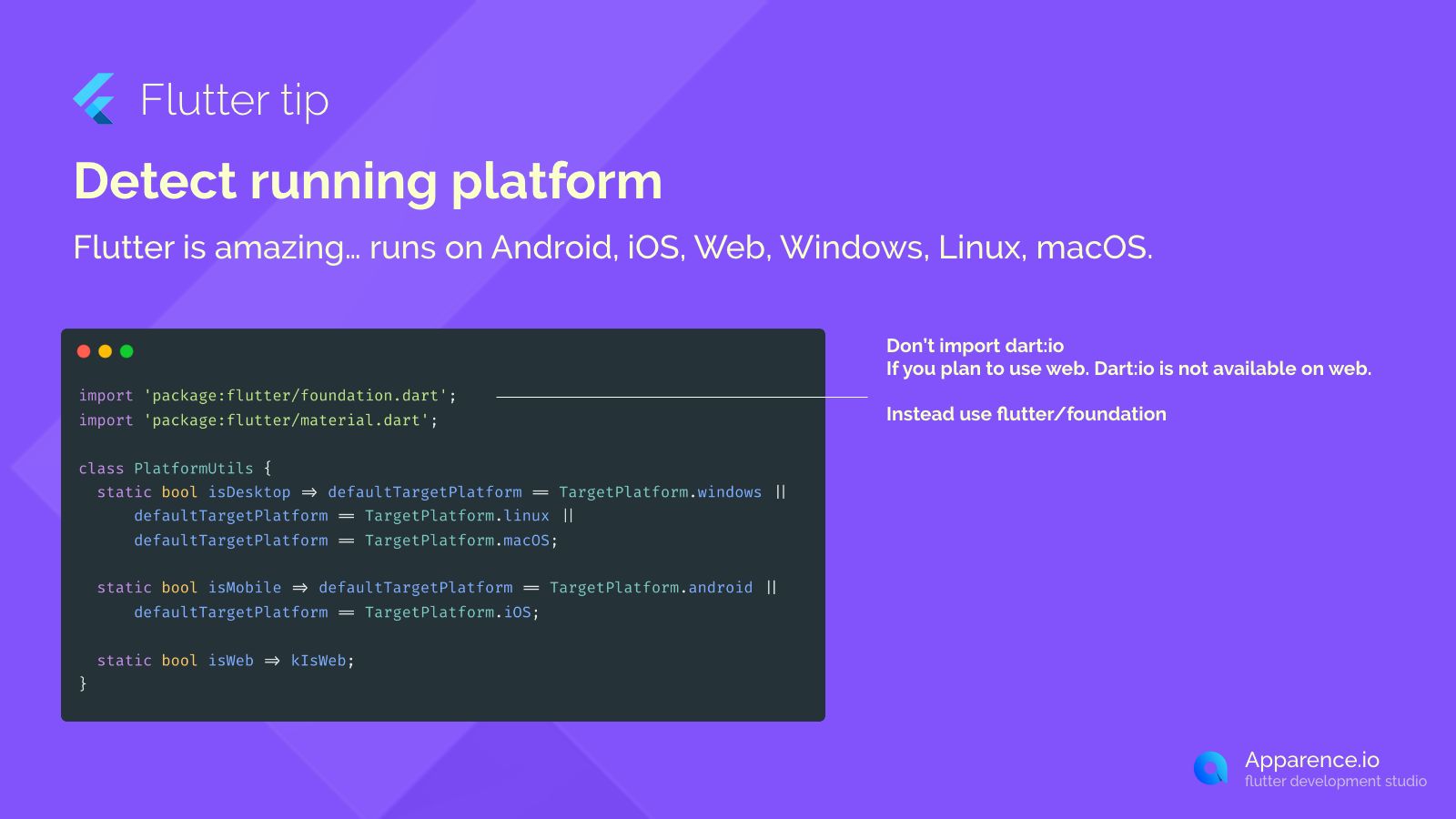
Here's a simple way to check if the app is on a desktop, mobile, or web platform:
import 'package:flutter/foundation.dart';

class PlatformUtils {
  static bool isDesktop => defaultTargetPlatform == TargetPlatform.windows ||
      defaultTargetPlatform == TargetPlatform.linux ||
      defaultTargetPlatform == TargetPlatform.macOS;

  static bool isMobile => defaultTargetPlatform == TargetPlatform.android ||
      defaultTargetPlatform == TargetPlatform.iOS;

  static bool isWeb => kIsWeb;
}
Important Note for Web
If you're building for the web, remember don't import dart:io. It won't work there. Instead, use package:flutter/foundation.dart which is web-friendly and provides defaultTargetPlatform and kIsWeb.
Using these simple checks helps you build apps that feel right on every platform!
Our Flutter templates handle platform differences out of the box for iOS, Android, and web.