What is Dynamic Function Invocation?
In Dart, you can call functions dynamically even if you don't know their arguments or named parameters until your app is running. This is done using Function.apply.
How Function.apply Works
Function.apply lets you pass a function along with its arguments as a list and its named parameters as a map. It's super handy for situations where the function to be called, or its exact parameters, might change dynamically.
Code Example
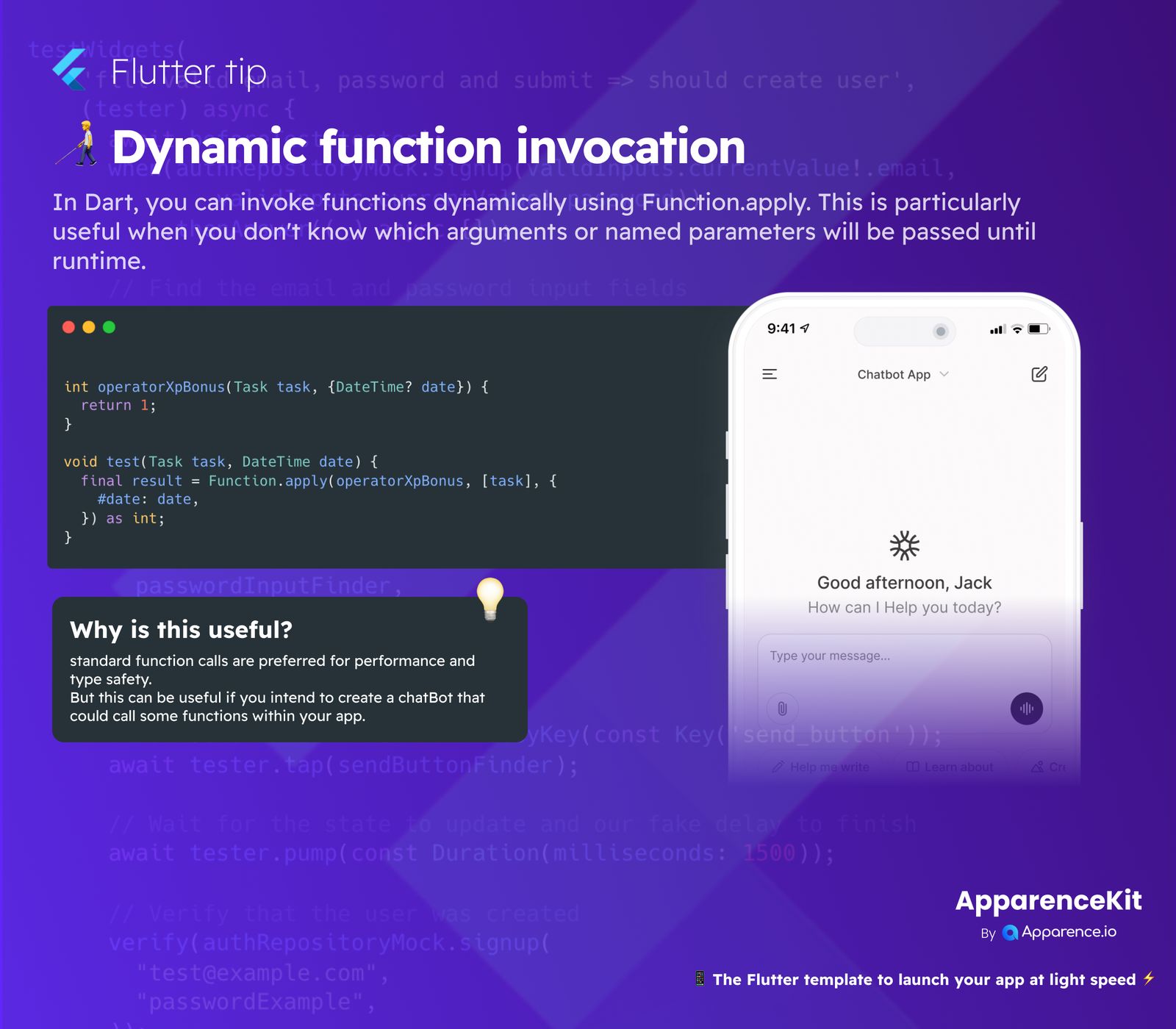
Let's look at an example. Imagine you have a function like operatorXpBonus that calculates a bonus based on a task and an optional date:
int operatorXpBonus(Task task, {DateTime? date}) {
  return 1;
}
You can call this operatorXpBonus function dynamically like this:
void test(Task task, DateTime date) {
  final result = Function.apply(operatorXpBonus, [task], {#date: date}) as int;
}
In this code, operatorXpBonus is the function, [task] is the list of regular arguments, and {#date: date} is the map for named arguments.
Why is This Useful?
Standard function calls are usually better for performance and type safety because the compiler knows everything beforehand. However, dynamic invocation shines in specific scenarios.
It's especially useful if you're building a chatbot that needs to call different functions within your app based on user input. The chatbot might "understand" a command and then dynamically invoke the corresponding function with the right data.
Build Faster with ApparenceKit
Want to launch your Flutter app quickly? Check out ApparenceKit! It's a Flutter template designed to help you speed up your development.